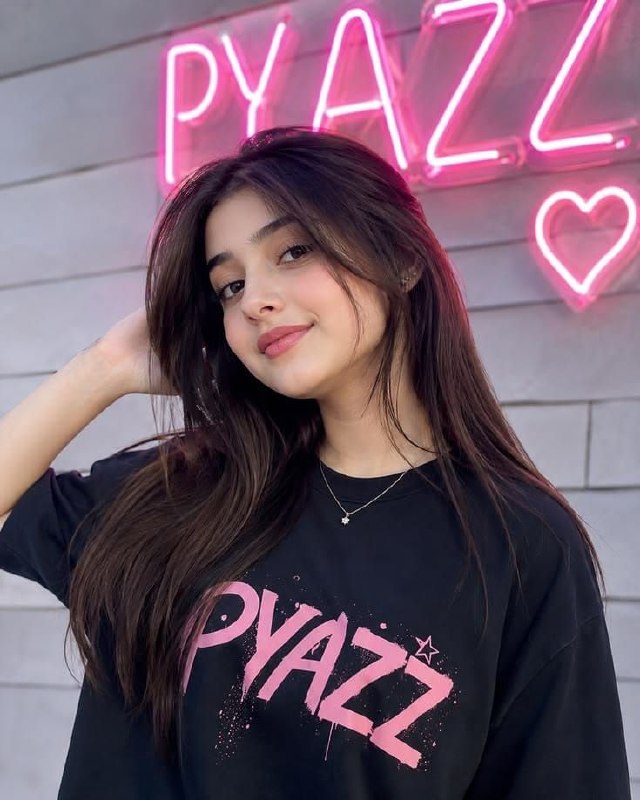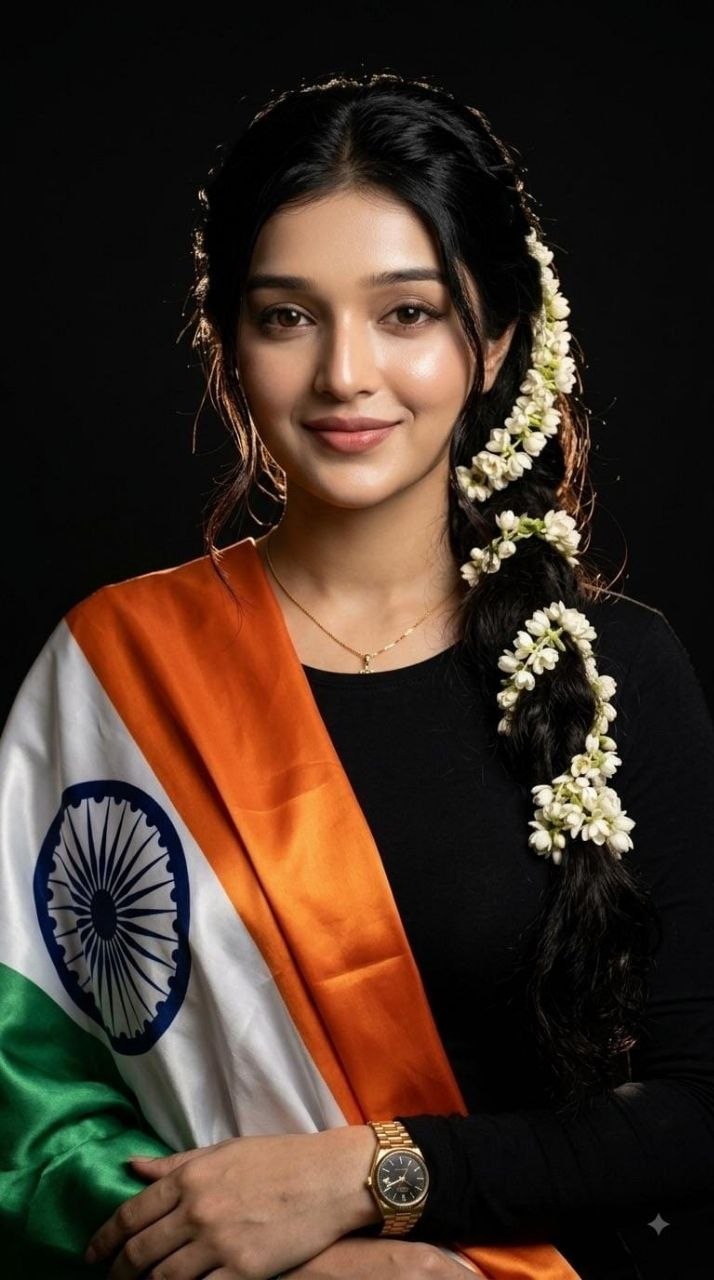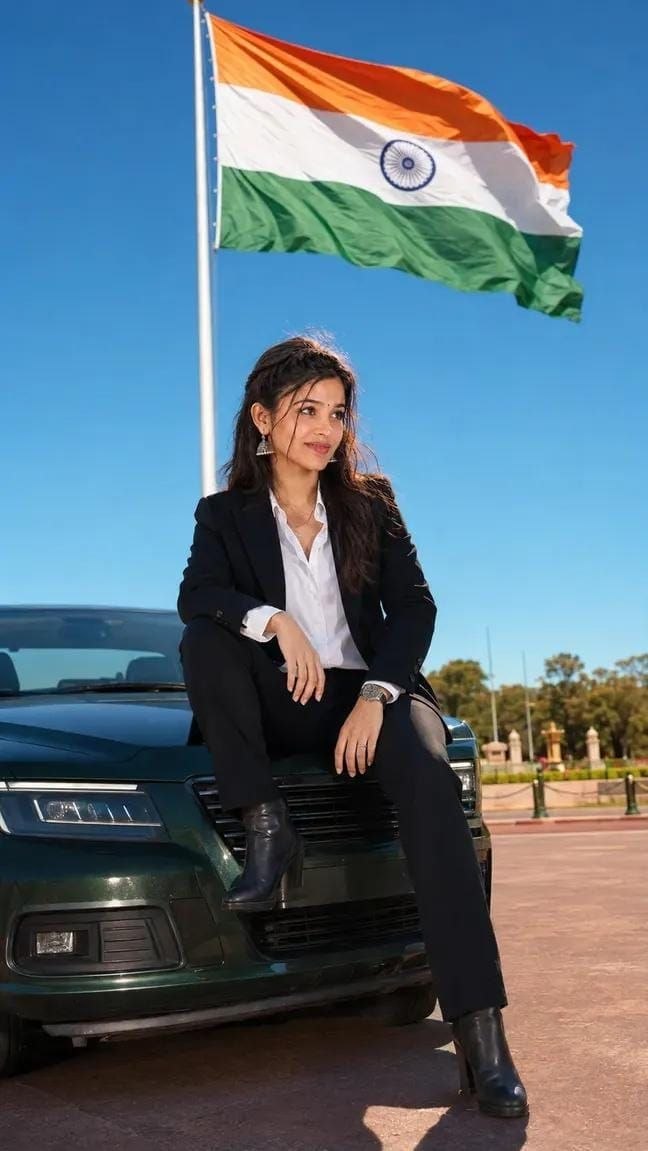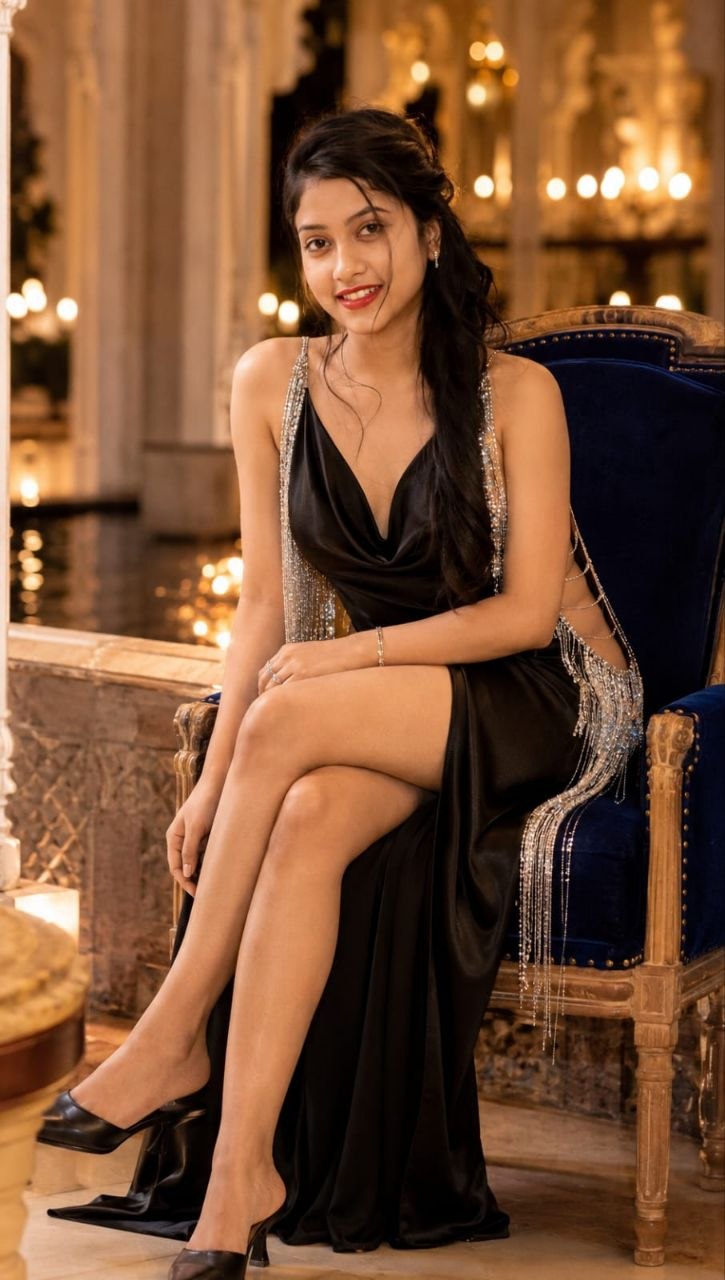
This image Prompt Text
Customize This Image Prompt
Choose your preferred image settings. Your original prompt stays unchanged.
Actual resolution depends on the image generator.
The selected settings are added as instructions. Some generators may ignore unsupported options such as exact resolution or aspect ratio.
How to Use This AI Image Prompt
Use this prompt as a starting point. Results may vary by image generator, settings, and reference images.
- Choose an AI image generator suitable for the image you want to create.
- Click Copy Prompt above and paste the text into the generator.
- If supported, add a reference image when it helps communicate your intended result.
- Customize the subject, background, clothing, colours, mood, or other details.
- Generate the image. If needed, adjust a few details and try another variation.
Suggested tool: ChatGPT. Check that it supports the features you need.
Customization Tips
Personalize the prompt to match your idea. Keep its main concept and change only the details you need.
Describe exactly who or what should appear.
Choose a location, environment, or backdrop.
Set the visual style, atmosphere, and colour palette.
Adjust lighting, camera angle, framing, and subject placement.
Select square, portrait, or landscape if the tool offers aspect-ratio settings.
Use negative prompts if supported to exclude unwanted objects or visual defects.
Example: Customize a Portrait Prompt
For a portrait, you might choose these details:
Subject: a young musician
Background: a warmly lit recording studio
Style: realistic editorial photography
Lighting: soft window light
Composition: waist-up portrait, subject in sharp focus
Illustrative example only. Adapt these details to the actual prompt and your image generator.
Tips for Better Results
- Use clear, specific descriptions instead of unrelated keywords.
- Follow the generator's prompt limits, settings, and usage rules.
- Try a few variations because AI results are not always identical.
- Review the generated image before publishing or using it commercially.
Related Image Prompts
View All →