48Hours Digital
Back to More
Ultra-Realistic Saree Portrait AI Image Prompt - Traditional - 48hoursdigital.com
Views: 110
15 Aug 2026

This image Prompt Text

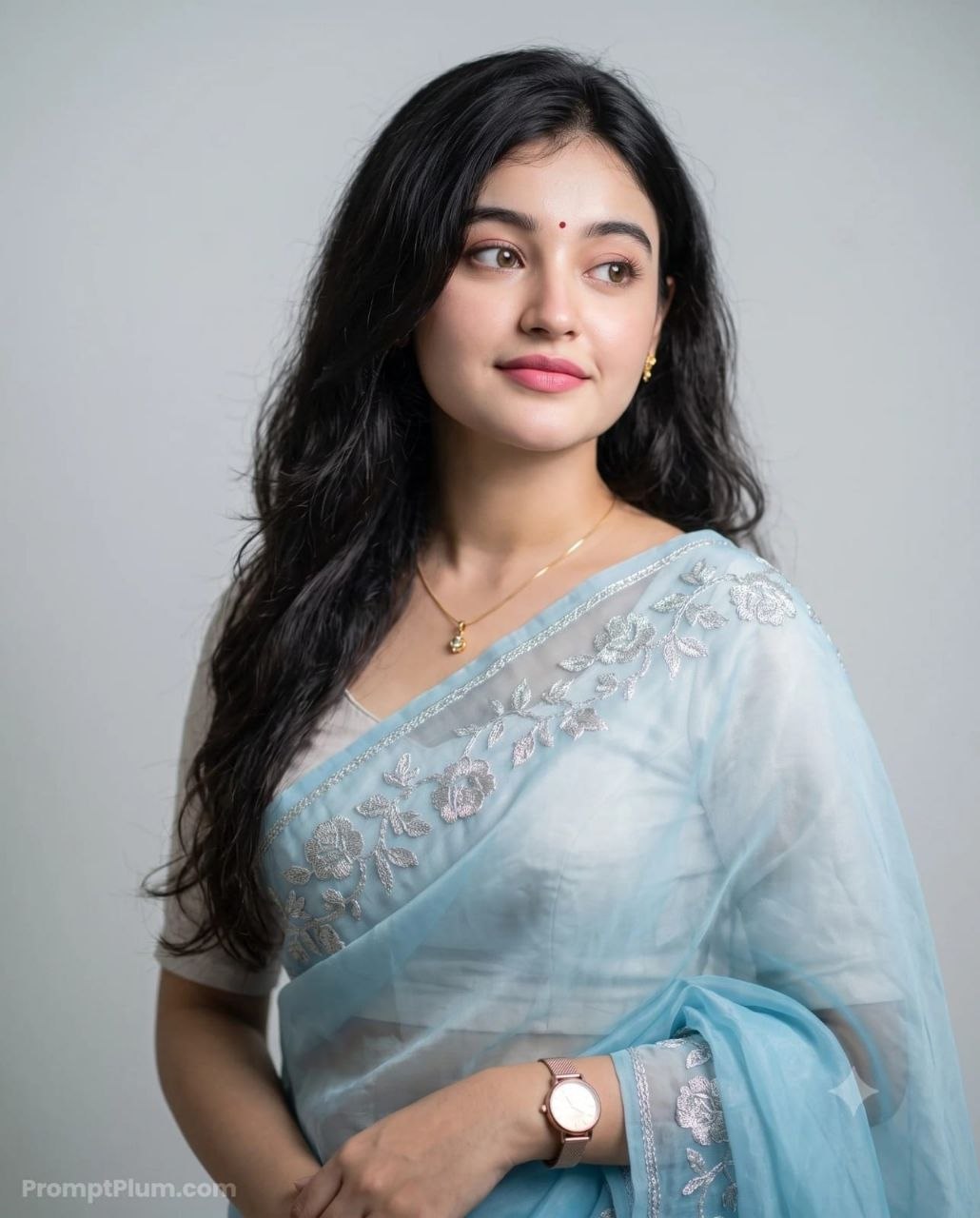
Create an ultra-realistic, high-end editorial studio portrait of the reference woman, preserving her natural facial identity, skin tone, and recognizable features. She has naturally styled hair flowing softly over her shoulders. Dress her in a delicate light blue sheer saree with elegant silver floral embroidery along the border, gracefully draped over a light-toned blouse. Add refined accessories: a thin gold necklace with a small pendant, subtle stud earrings, a small red bindi, soft pink lipstick, and a rose gold wristwatch on her left wrist. Pose her in a calm, graceful manner, looking softly toward the right side of the frame with a gentle, thoughtful, and serene expression. Use a clean minimalist light grey or off-white studio background with a soft out-of-focus finish. Light the portrait with soft diffused studio lighting that flatters her face and highlights the airy fabric, embroidery details, and natural skin texture. The overall mood should feel elegant, sophisticated, feminine, and timeless, with a luxurious professional photoshoot aesthetic. Capture it in a refined editorial style with realistic detail, soft depth of field, and premium visual quality. Aspect ratio: 4:5.
✨ Interactive tool

Customize This Image Prompt

Choose your preferred image settings. Your original prompt stays unchanged.

Detecting prompt type…

Actual resolution depends on the image generator.

The selected settings are added as instructions. Some generators may ignore unsupported options such as exact resolution or aspect ratio.

How to Use This AI Image Prompt

Use this prompt as a starting point. Results may vary by image generator, settings, and reference images.

  1. Choose an AI image generator suitable for the image you want to create.
  2. Click Copy Prompt above and paste the text into the generator.
  3. If supported, add a reference image when it helps communicate your intended result.
  4. Customize the subject, background, clothing, colours, mood, or other details.
  5. Generate the image. If needed, adjust a few details and try another variation.

Suggested tool: ChatGPT. Check that it supports the features you need.

Customization Tips

Personalize the prompt to match your idea. Keep its main concept and change only the details you need.

Subject

Describe exactly who or what should appear.

Background

Choose a location, environment, or backdrop.

Style and mood

Set the visual style, atmosphere, and colour palette.

Lighting and composition

Adjust lighting, camera angle, framing, and subject placement.

Image format

Select square, portrait, or landscape if the tool offers aspect-ratio settings.

Unwanted details

Use negative prompts if supported to exclude unwanted objects or visual defects.

Example: Customize a Portrait Prompt

For a portrait, you might choose these details:

Subject: a young musician

Background: a warmly lit recording studio

Style: realistic editorial photography

Lighting: soft window light

Composition: waist-up portrait, subject in sharp focus

Illustrative example only. Adapt these details to the actual prompt and your image generator.

Tips for Better Results

  • Use clear, specific descriptions instead of unrelated keywords.
  • Follow the generator's prompt limits, settings, and usage rules.
  • Try a few variations because AI results are not always identical.
  • Review the generated image before publishing or using it commercially.
Recommended Generator:
⚡ ChatGPT

Related Image Prompts

View All →
Related AI Prompt
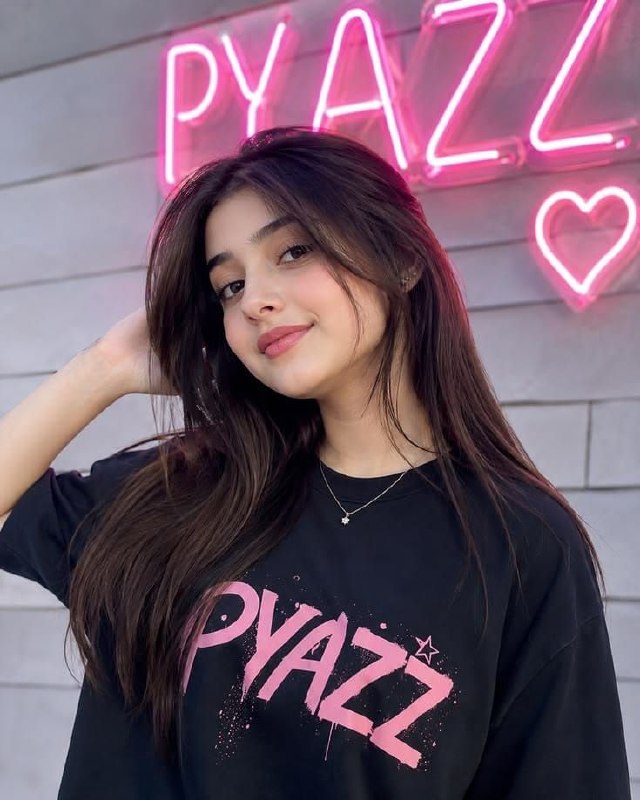
Ultra-realistic aesthetic portrait of a young woman with long, silky dark-brown hair, wearing an oversized black T-shirt with bold pink “PYAZZ” graffiti-style print, delicate star pendant necklace, soft natural makeup, subtle smile, one hand behind her head, standing against a modern gray paneled wall with glowing pink neon “PYAZZ” sign and heart in the background, soft pink ambient lighting, shallow depth of field, cinematic photography, realistic skin texture, 4K, Instagram aesthetic.
View Prompt
Related AI Prompt
Create a modern black-and-white collage portrait of a stylish young woman wearing black sunglasses, a white oversized shirt, and black trousers. The collage should have multiple rounded rectangular frames stacked vertically with soft shadows and a minimal gray studio background
View Prompt
Related AI Prompt
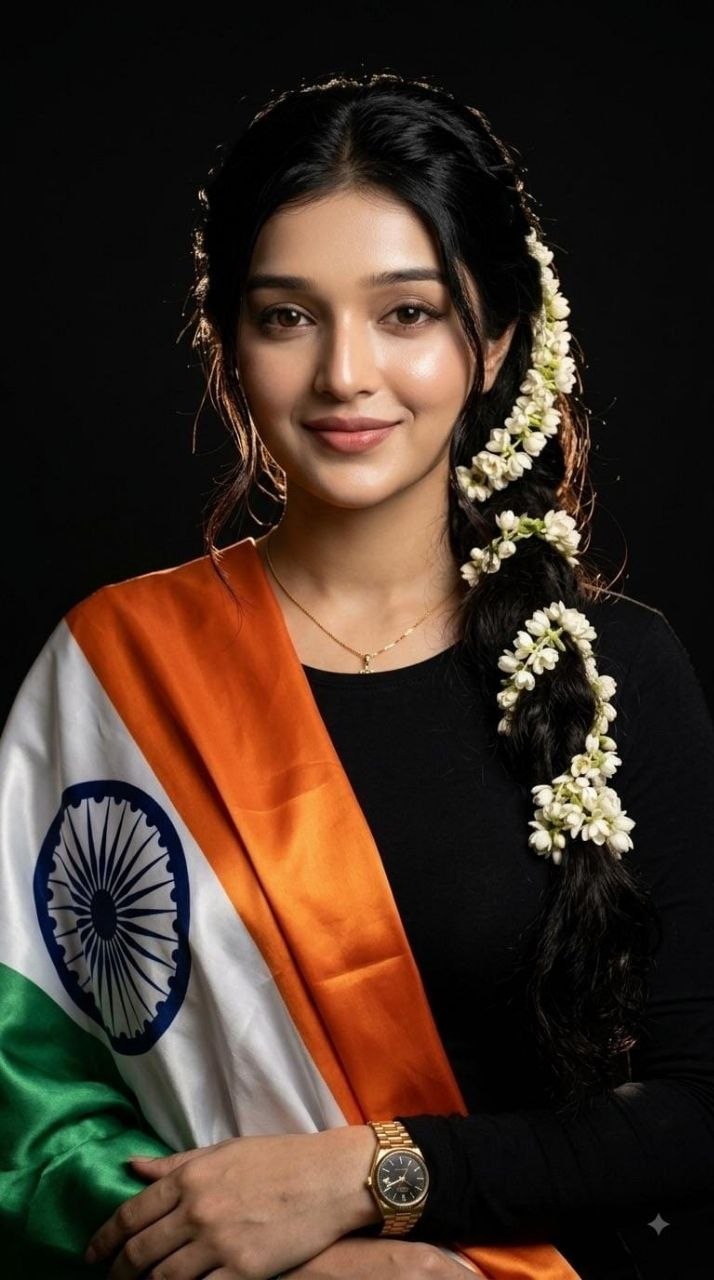
Prompt A hyper-realistic studio portrait of a beautiful young Indian woman with striking facial features, natural radiant skin, dark brown eyes, and a warm, gentle smile looking directly into the camera. She is holding the Indian National Tricolour flag (saffron, white with the navy blue Ashoka Chakra, and green) gracefully draped over her left shoulder and torso.
View Prompt
Related AI Prompt
The subject is the woman in the attached reference photo. Recreate her exact facial identity from its features — the same hairline, hairstyle, volume and texture, brow shape, eye shape and spacing, nose structure, lip shape, jawline and cheek structure, skin tone, and natural facial proportions — so she is unmistakably the same person. The reference photo's own lighting, background and clothing are entirely discarded; her face is lit only by this scene's own light.
View Prompt