48Hours Digital
Back to More
Temple Portrait AI Image Prompt - Trending - 48hoursdigital.com
Views: 68
11 Oct 2026

This image Prompt Text

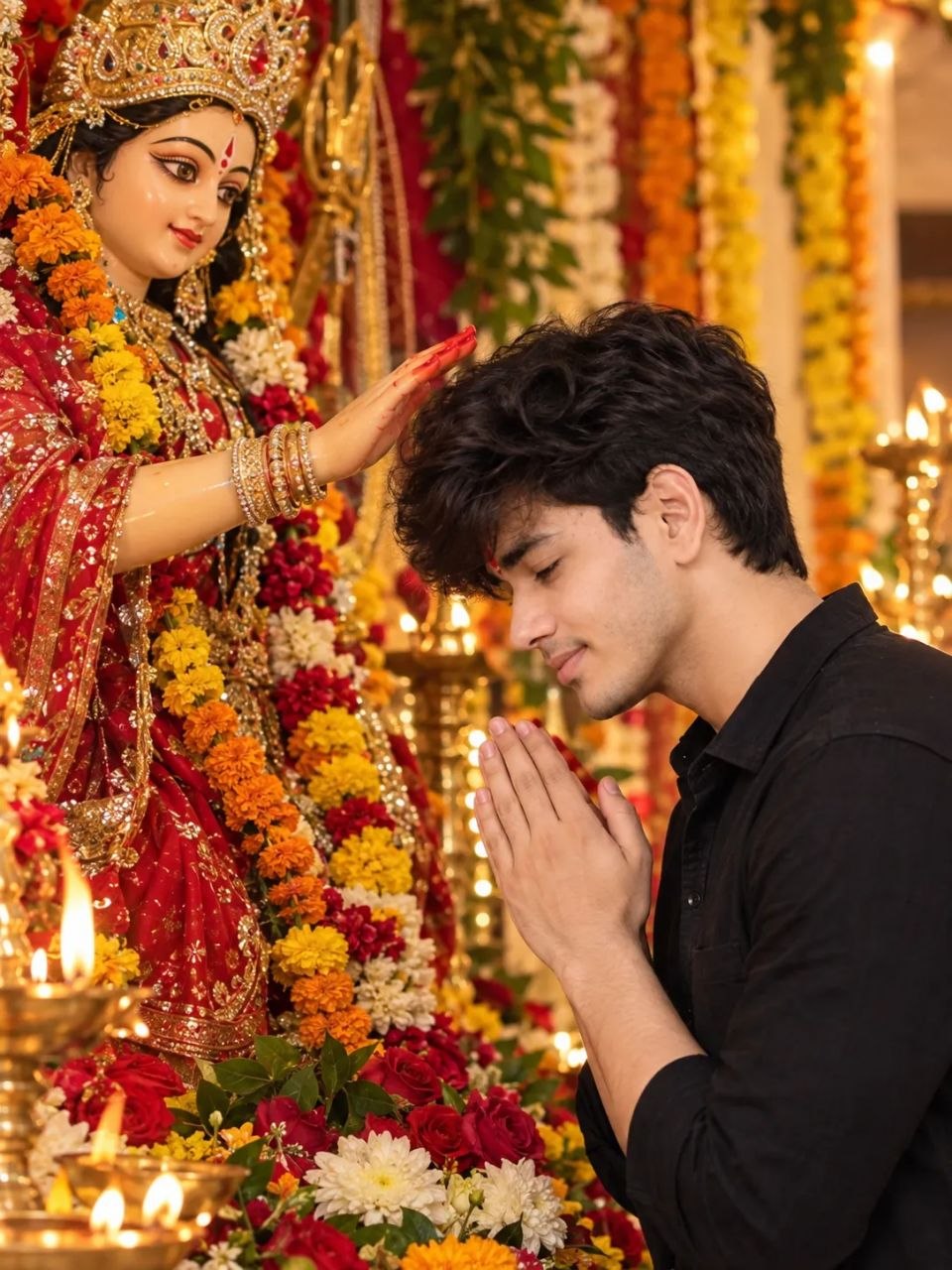
Use the provided face reference exactly without any changes.Keep the same beard, skin tone as in the reference photo.Create a realistic photo of the same person in side-profile, hands folded, receiving blessings from a decorated idol of Durga Mata with flowers and garlands. The surrounding area should have flowers and warm lighting. Do not alter or stylize the face.
✨ Interactive tool

Customize This Image Prompt

Choose your preferred image settings. Your original prompt stays unchanged.

Detecting prompt type…

Actual resolution depends on the image generator.

The selected settings are added as instructions. Some generators may ignore unsupported options such as exact resolution or aspect ratio.

How to Use This AI Image Prompt

Use this prompt as a starting point. Results may vary by image generator, settings, and reference images.

  1. Choose an AI image generator suitable for the image you want to create.
  2. Click Copy Prompt above and paste the text into the generator.
  3. If supported, add a reference image when it helps communicate your intended result.
  4. Customize the subject, background, clothing, colours, mood, or other details.
  5. Generate the image. If needed, adjust a few details and try another variation.

Suggested tool: ChatGPT. Check that it supports the features you need.

Customization Tips

Personalize the prompt to match your idea. Keep its main concept and change only the details you need.

Subject

Describe exactly who or what should appear.

Background

Choose a location, environment, or backdrop.

Style and mood

Set the visual style, atmosphere, and colour palette.

Lighting and composition

Adjust lighting, camera angle, framing, and subject placement.

Image format

Select square, portrait, or landscape if the tool offers aspect-ratio settings.

Unwanted details

Use negative prompts if supported to exclude unwanted objects or visual defects.

Example: Customize a Portrait Prompt

For a portrait, you might choose these details:

Subject: a young musician

Background: a warmly lit recording studio

Style: realistic editorial photography

Lighting: soft window light

Composition: waist-up portrait, subject in sharp focus

Illustrative example only. Adapt these details to the actual prompt and your image generator.

Tips for Better Results

  • Use clear, specific descriptions instead of unrelated keywords.
  • Follow the generator's prompt limits, settings, and usage rules.
  • Try a few variations because AI results are not always identical.
  • Review the generated image before publishing or using it commercially.
Recommended Generator:
⚡ ChatGPT
Related Categories & Tags

Related Image Prompts

View All →
Related AI Prompt
Better Output Ke Liye Kuch Tips Ai se image editing karte samay kuch baton ka dhyan rakhe: Reference photo clear aur high-quality upload karein. Face par shadow ya jyada dark nahi honi chahiye. Prompt mein outfit, pose, background, light setup ke baare mein clearly mention hona chahiye. Ek hi baar mein kai changes na karein, photo generate karein aur result dekh ke result ke according changes useful ho sakta hai. Note: AI-generated photo mein kabhi-kabhi face, outfit, hands, ya nose mein unwanted changes aa sakte hain. Isliye final image share karne se pehle ek baar image ko achhe se check karein aur social media par share karne se pahale uske policy ko dhyan se padhe.
View Prompt
Related AI Prompt
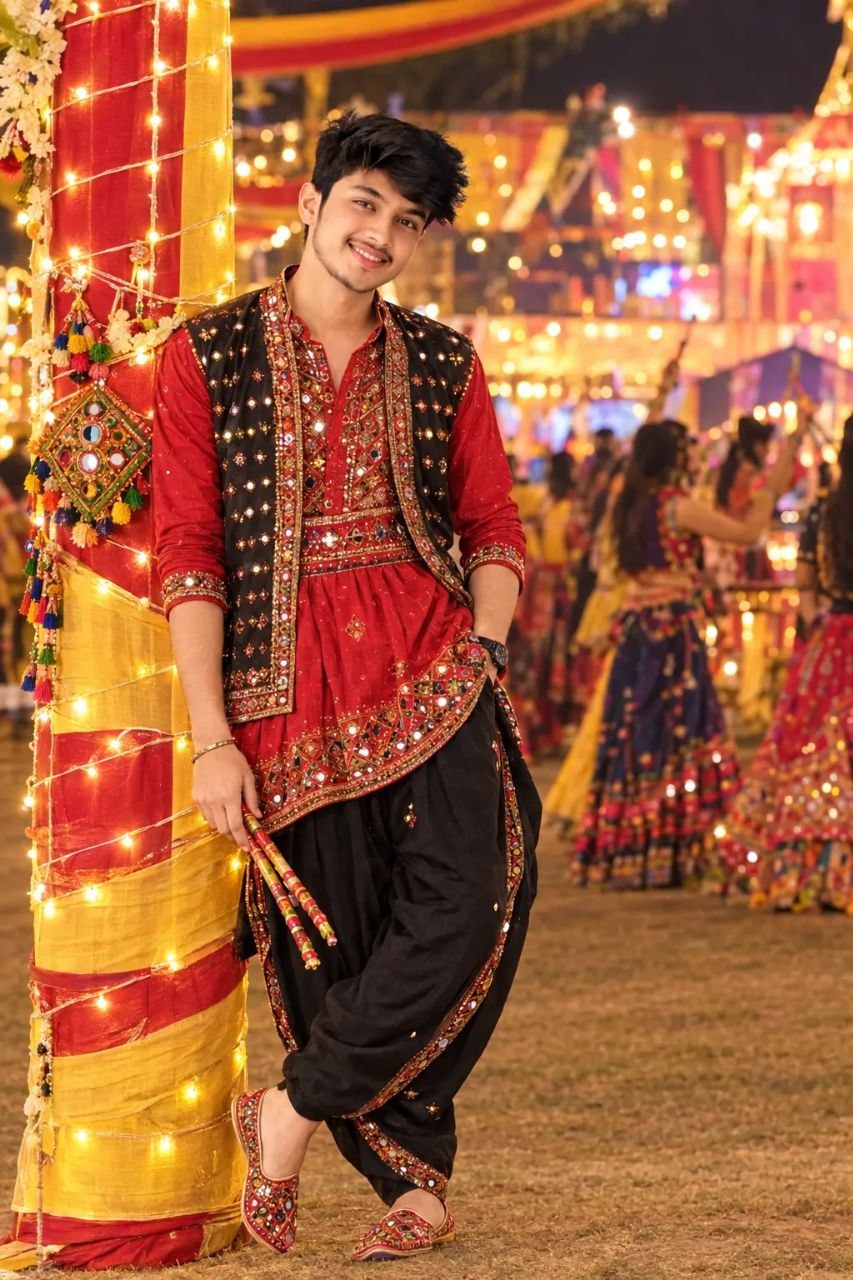
Ultra-realistic cinematic full-body portrait of a stylish 25-year-old slim man (height 5’5″), with the same original face and perfectly set hairstyle as in the reference. He is wearing a vibrant red and black traditional dandiya outfit decorated with intricate mirror work and golden embroidery, paired with matching dandiya shoes and a sleek wristwatch. The man is leaning casually against a beautifully decorated pillar wrapped in glowing festive lights. One hand rests in his pocket while the other hand loosely holds the dandiya sticks at his side. His confident gaze is directed toward the camera with a subtle stylish smile. Background: a lively dandiya night filled with colorful lights, blurred silhouettes of dancers, and a glamorous Navratri celebration ambiance.”
View Prompt
Related AI Prompt
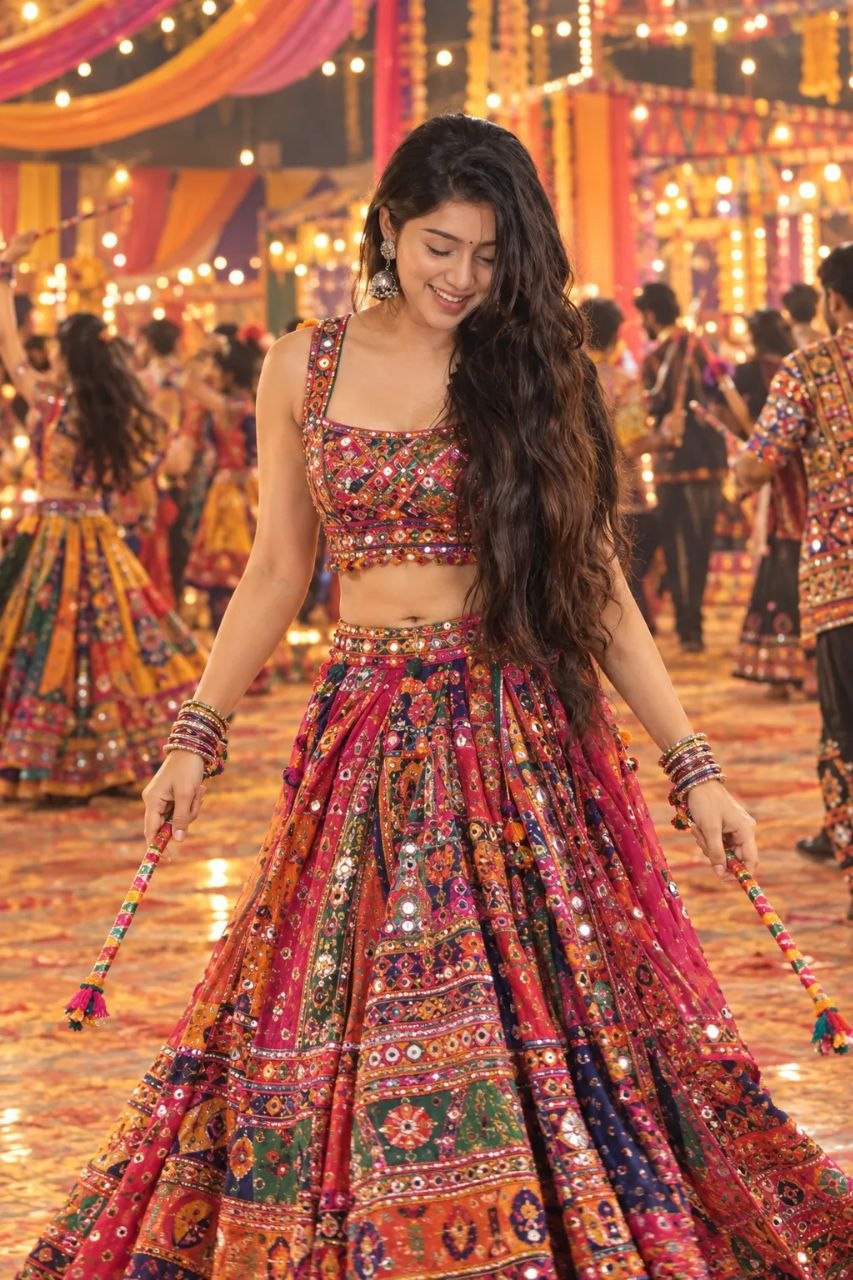
Create a beautiful woman with full body with wide exposure . Keep extract face from image ( don’t change the facial features) playing dandiya . She is looking left angle in downward direction with her hands down and dandiya sticks are there in her hands. She is smiling , teeth are visible, she has long wavy open hair , holding decorated dandiya sticks, dressed in a colourful gujarati sleeveless ghagra choli with intricate embroidery and mirror work.
View Prompt
Related AI Prompt
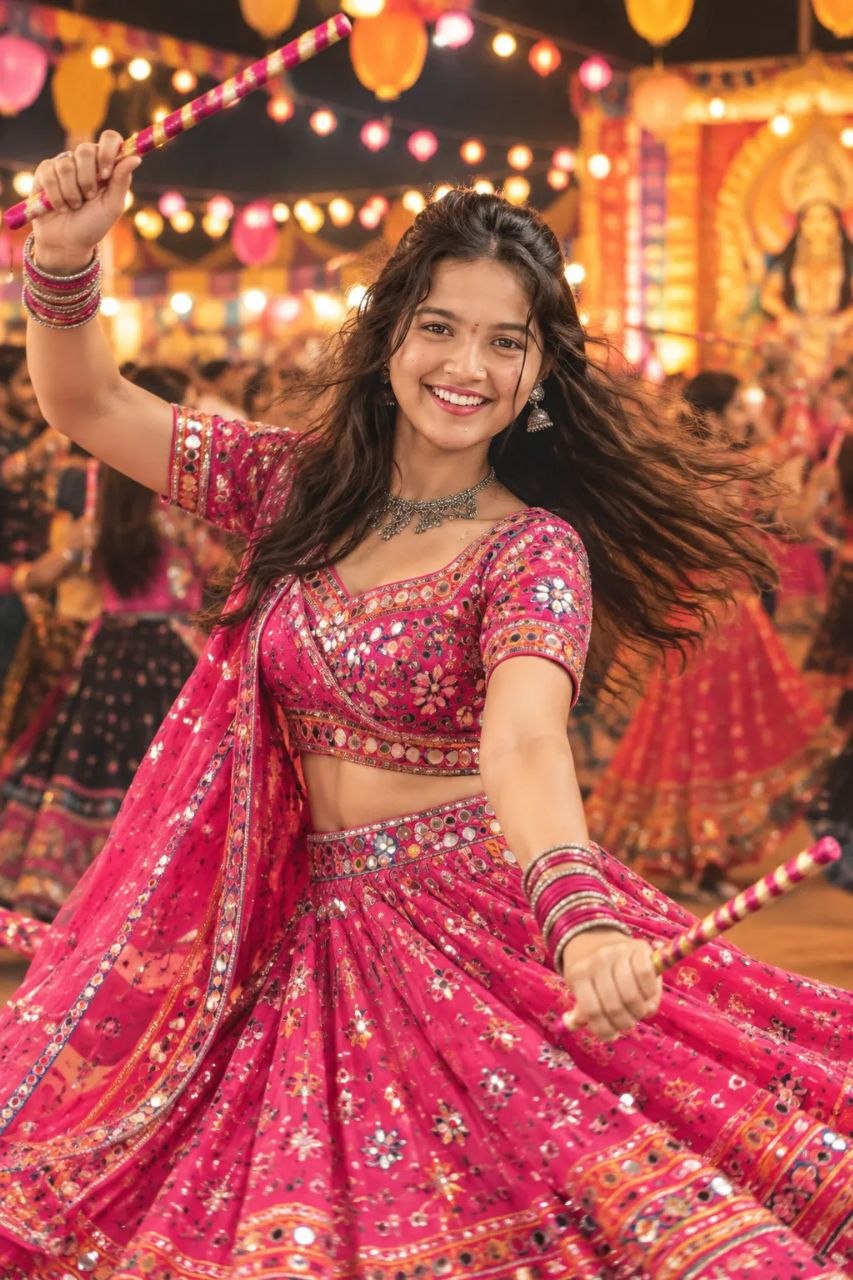
A stunning 4K portrait of a radiant young woman dancing dandiya at a Navratri festival.Her pink ghagra choli with mirror work glitters under the festive lights. She twirlsgracefully, hair flying, her joyful smile illuminated. She holds decorated dandiya sticksin mid-motion, surrounded by blurred dancers, glowing lanterns, and a vibrant nighttime celebration. Colour single colour.
View Prompt