All Prompts - Page 14
Explore full collection of AI prompts
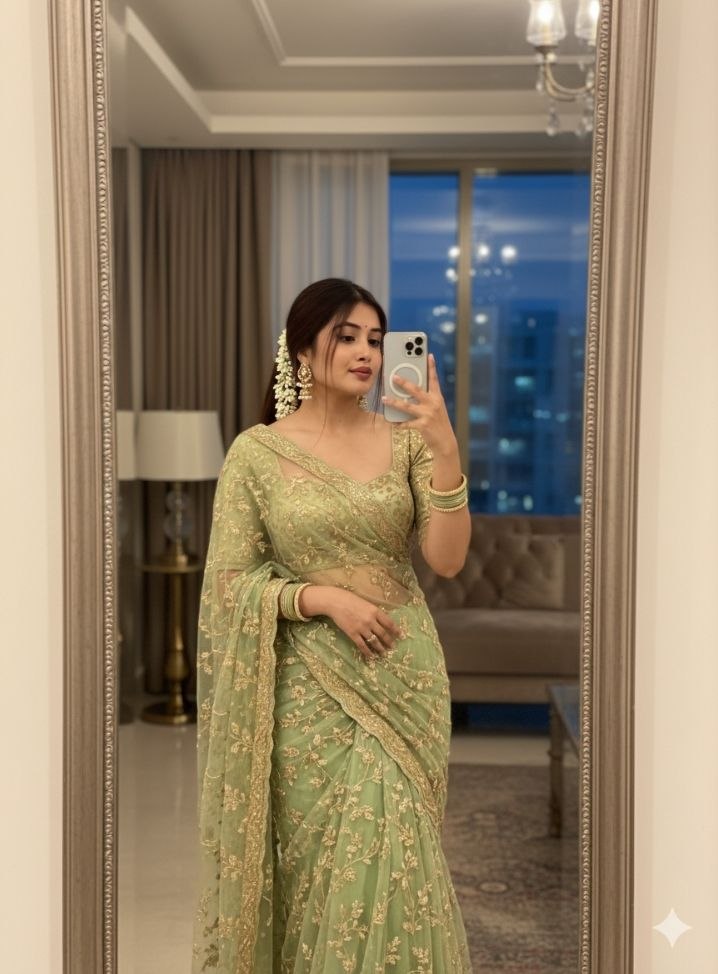
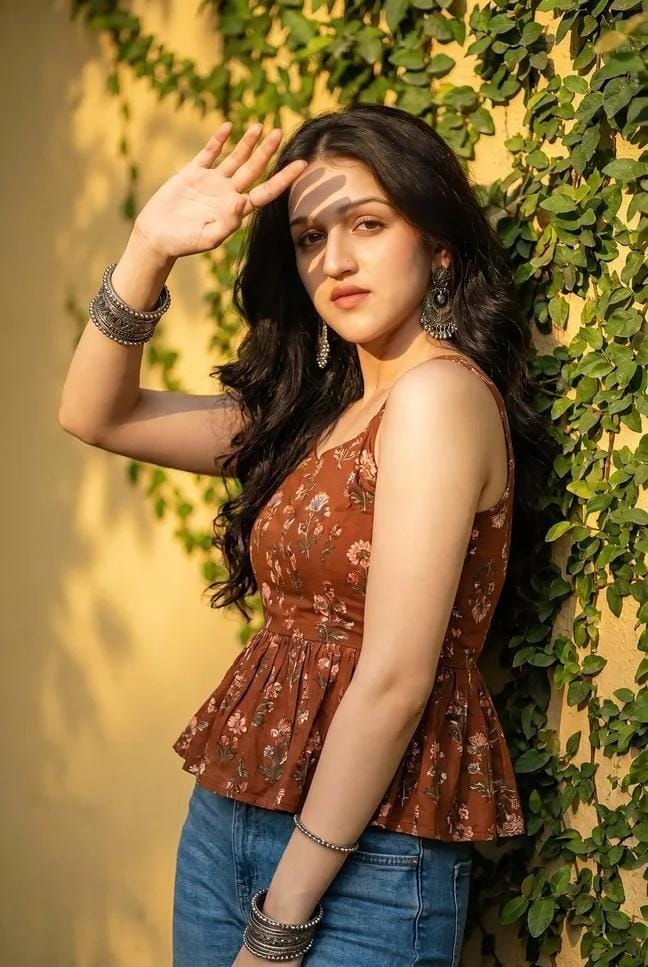
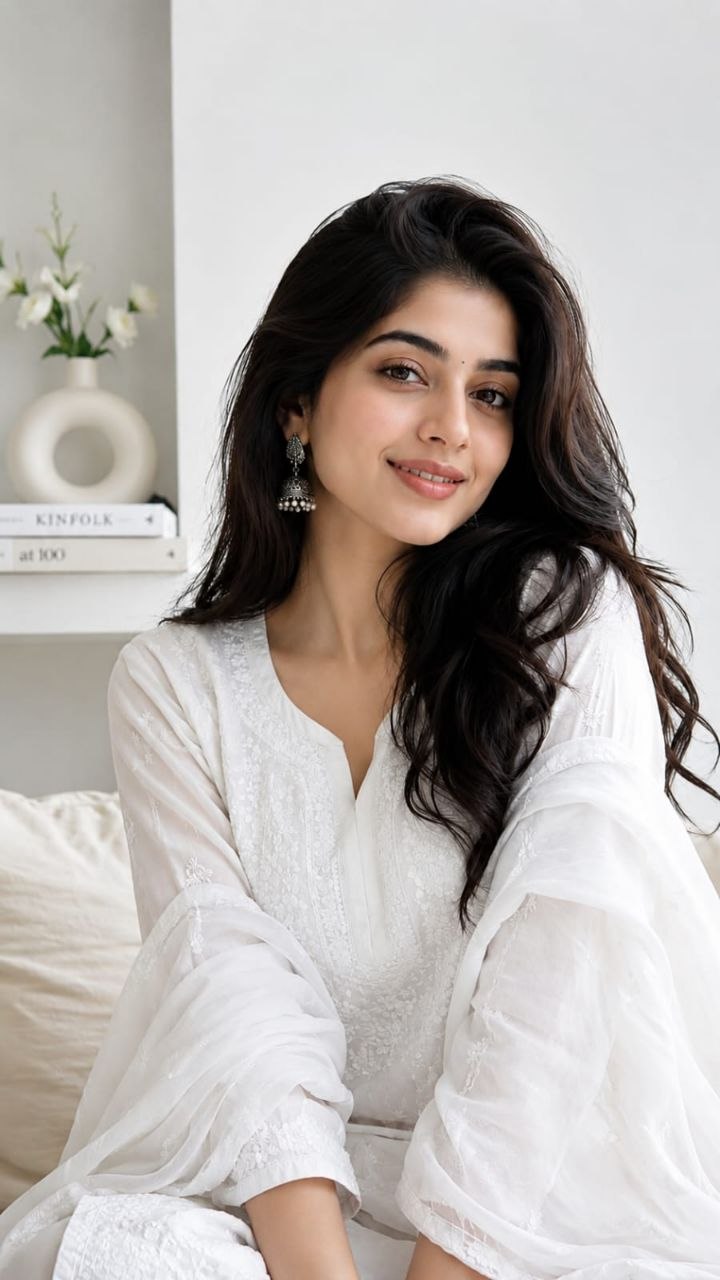
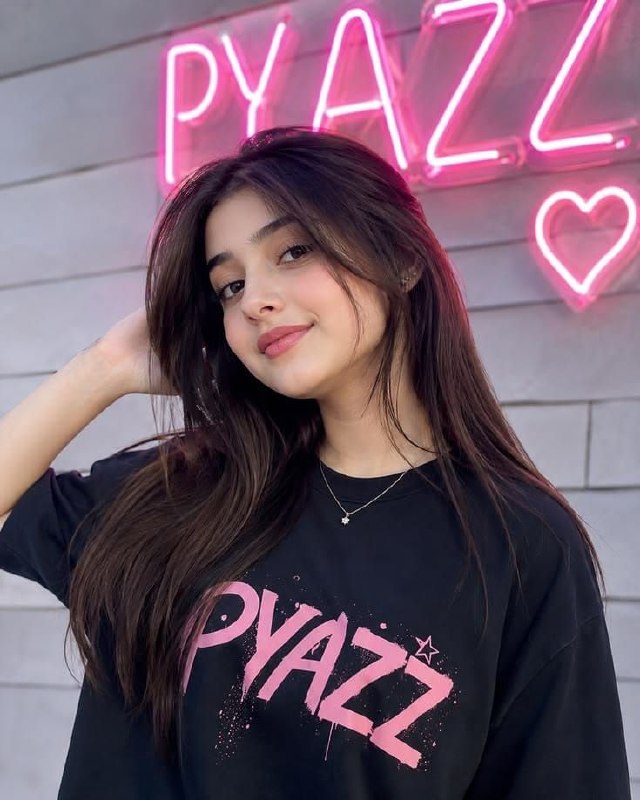

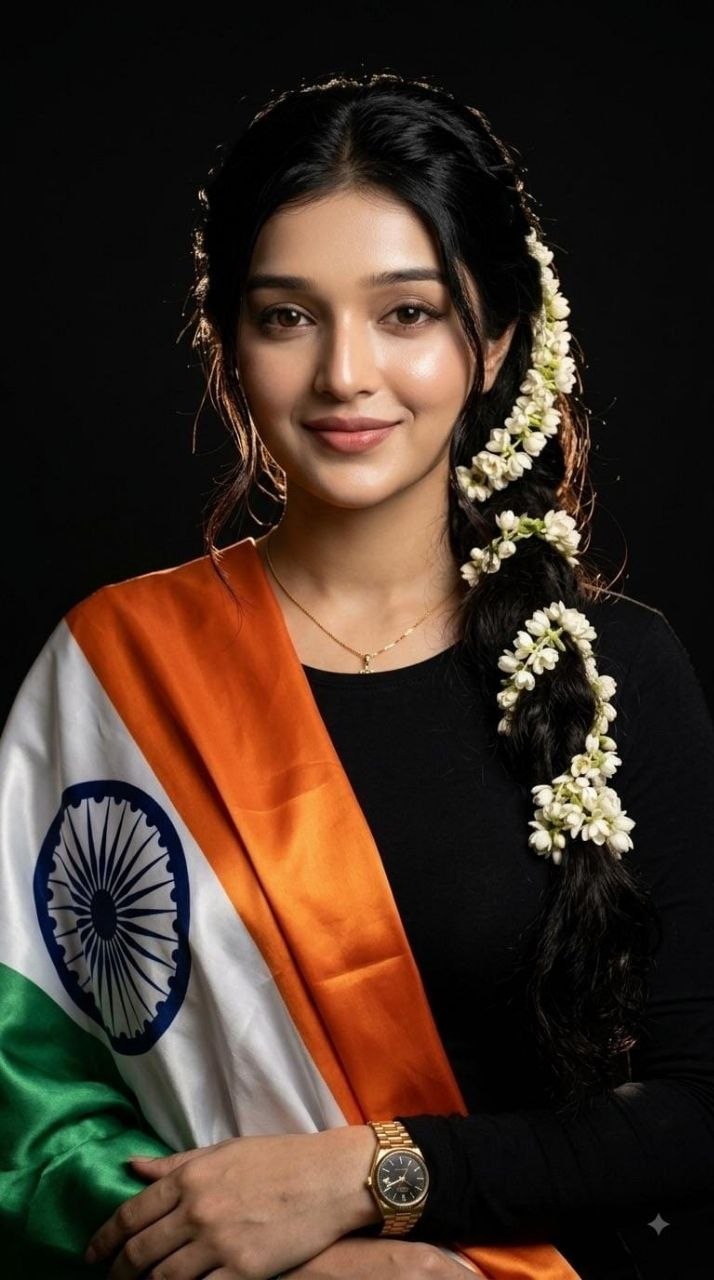
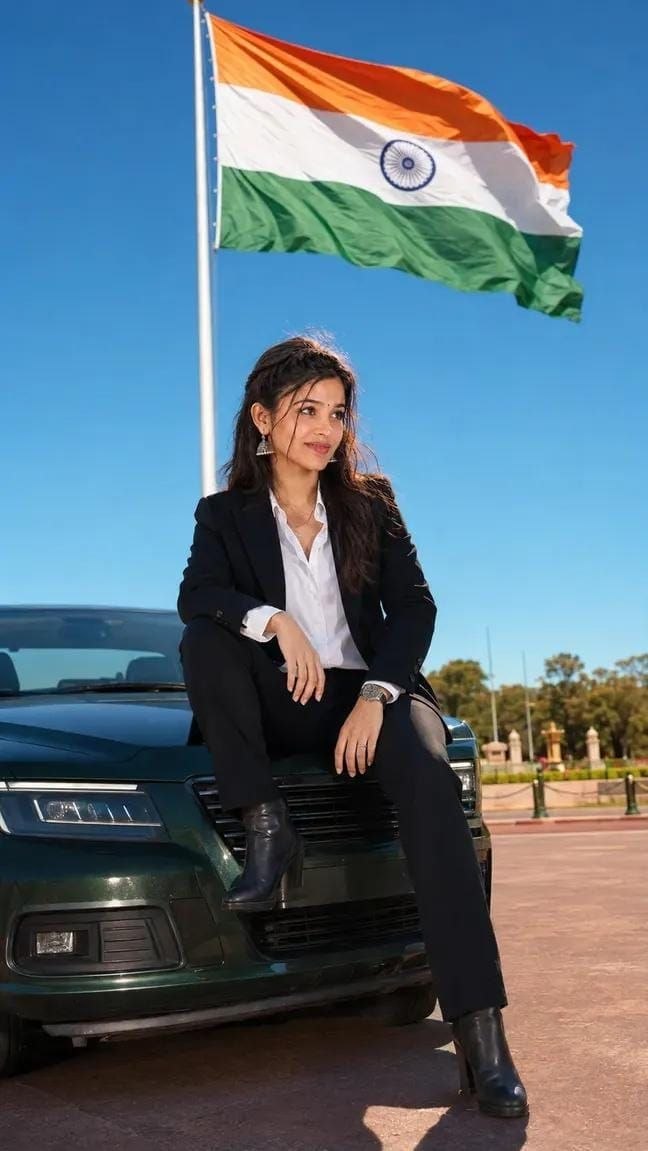
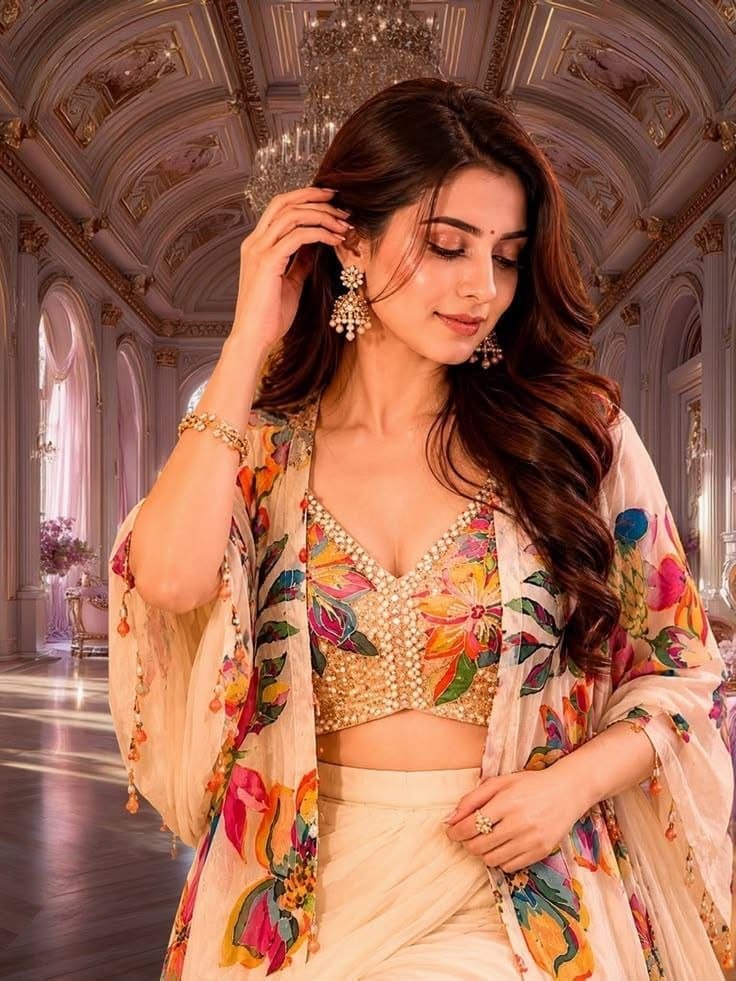
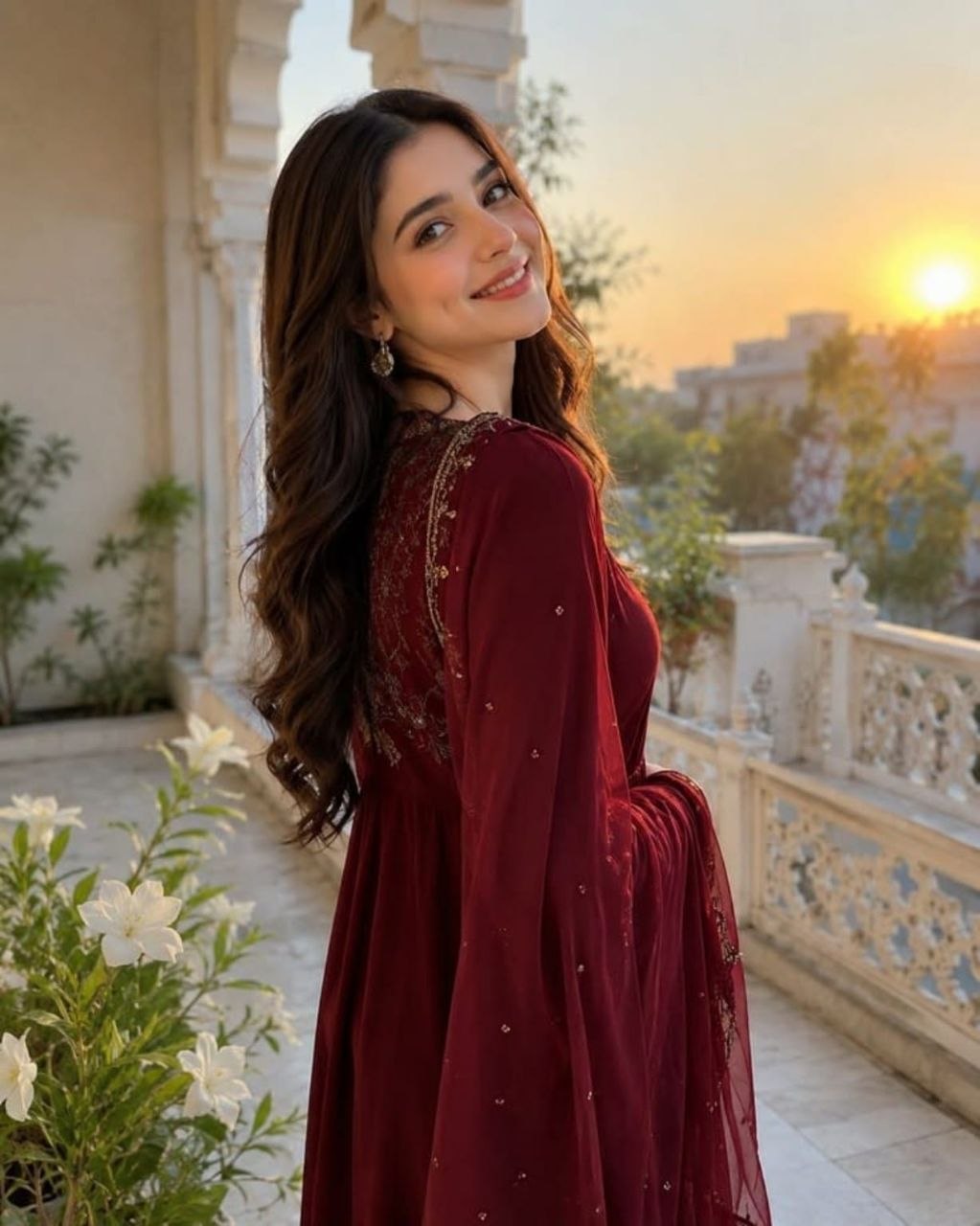
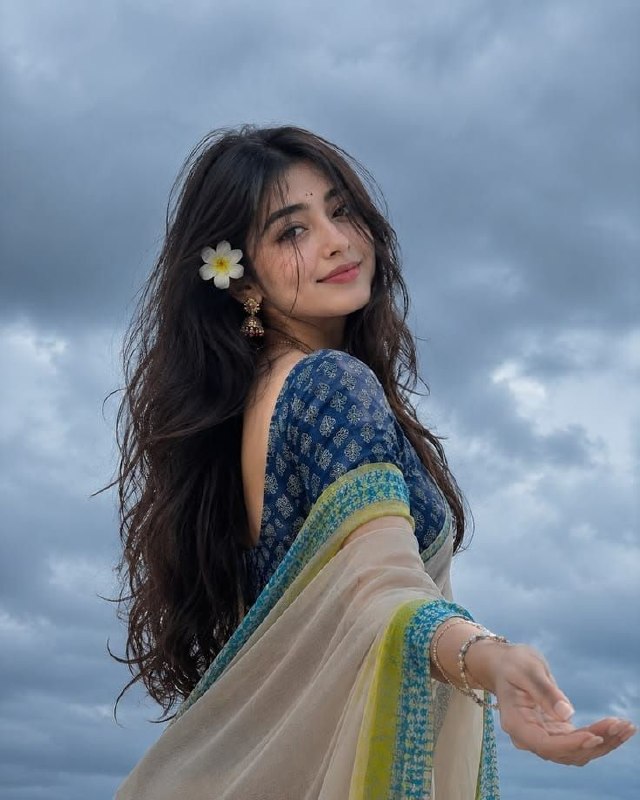
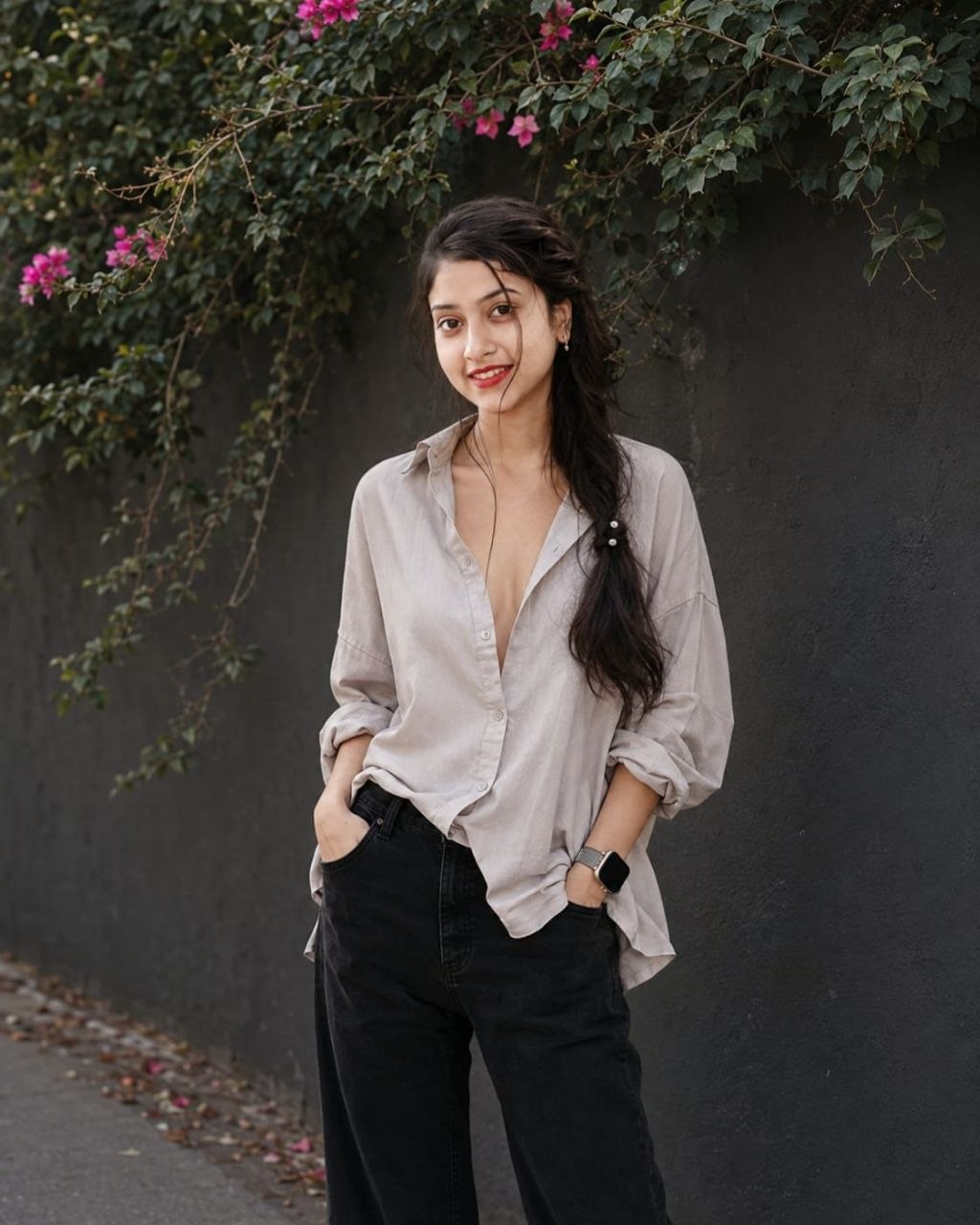
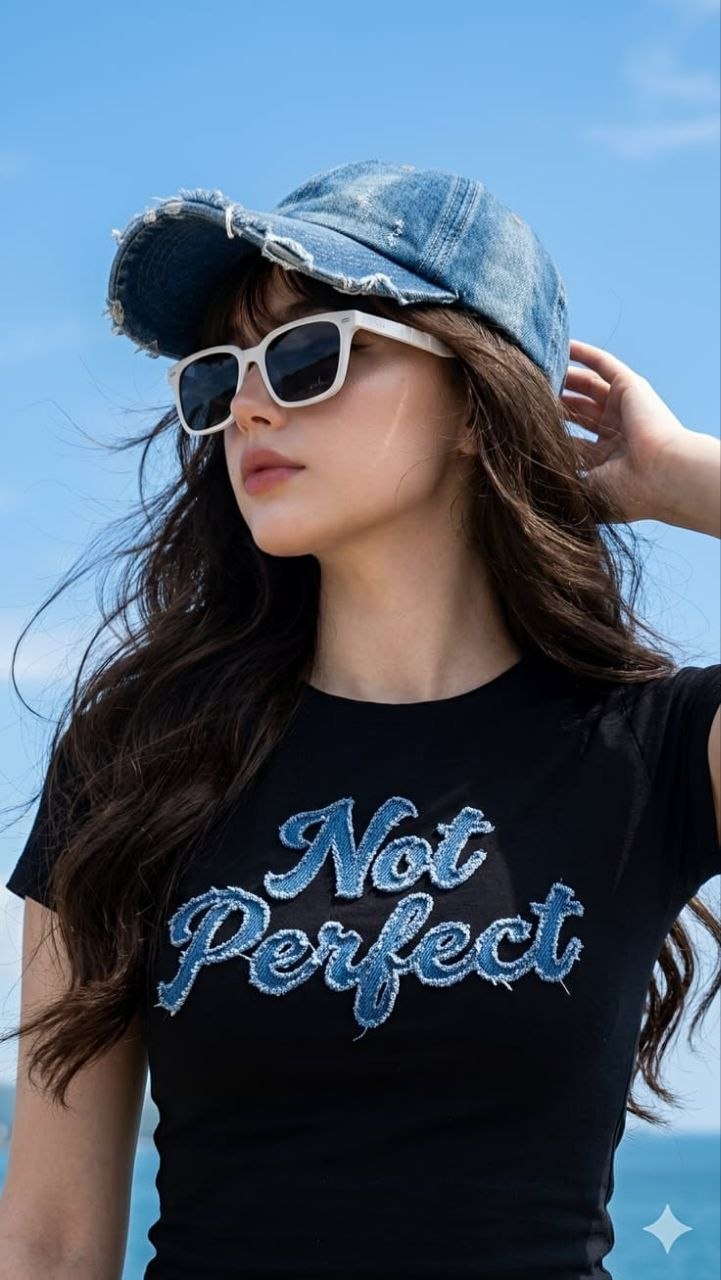
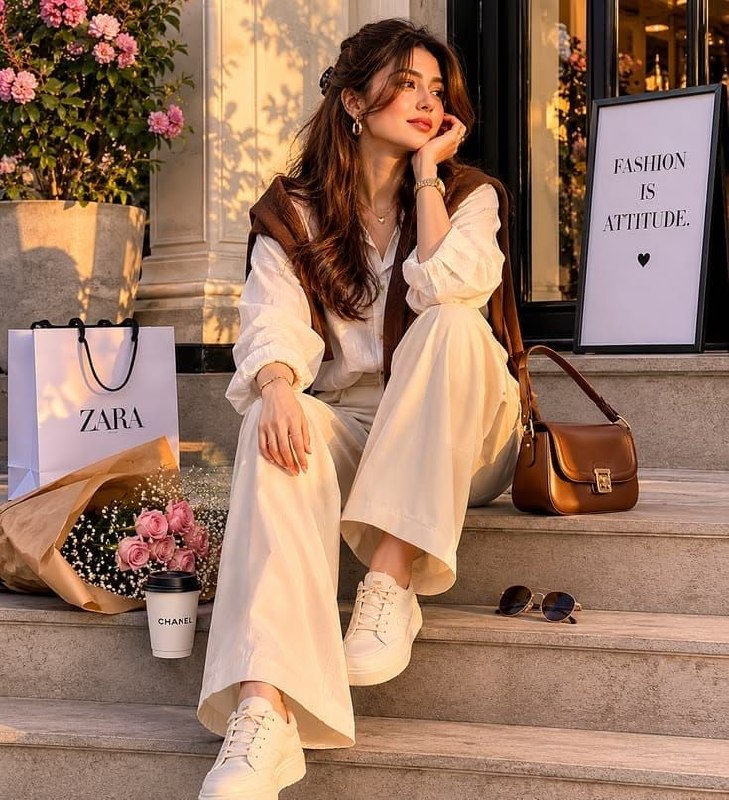
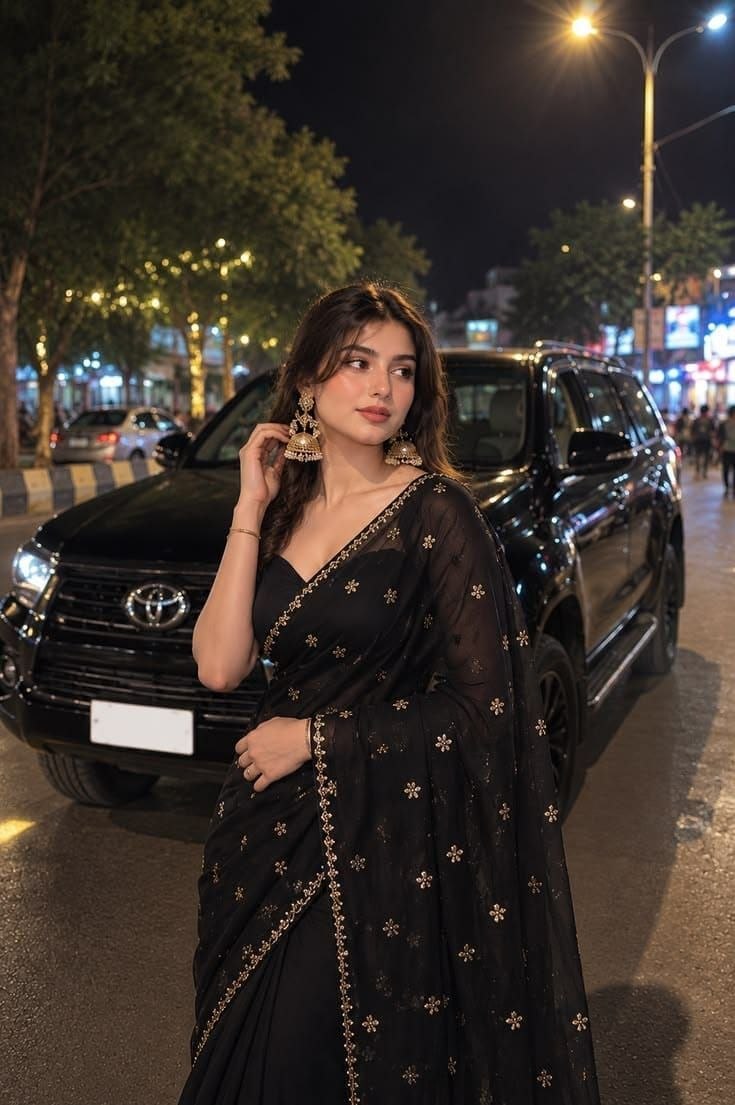
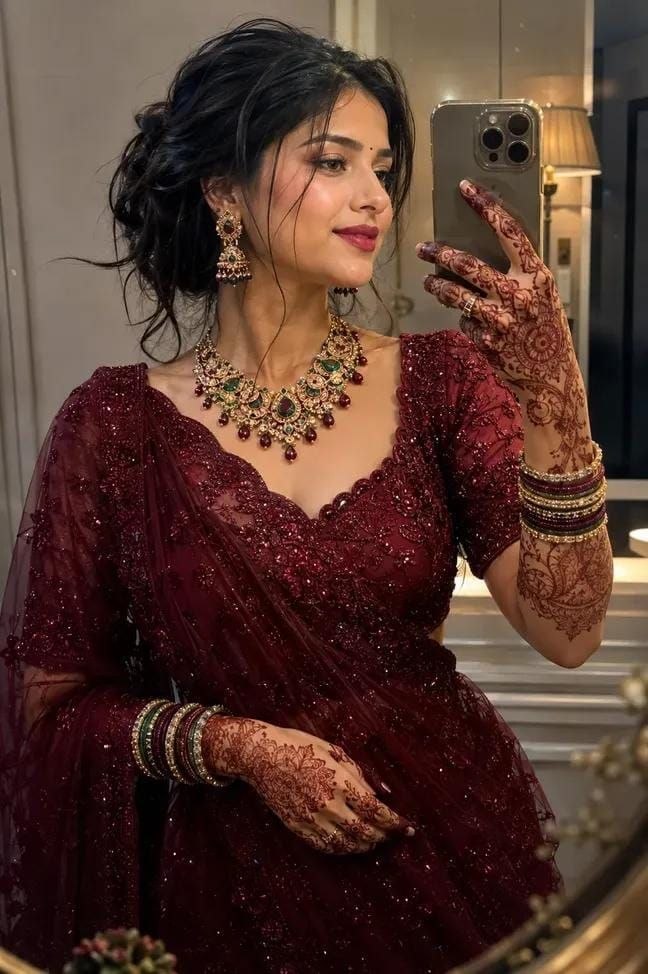
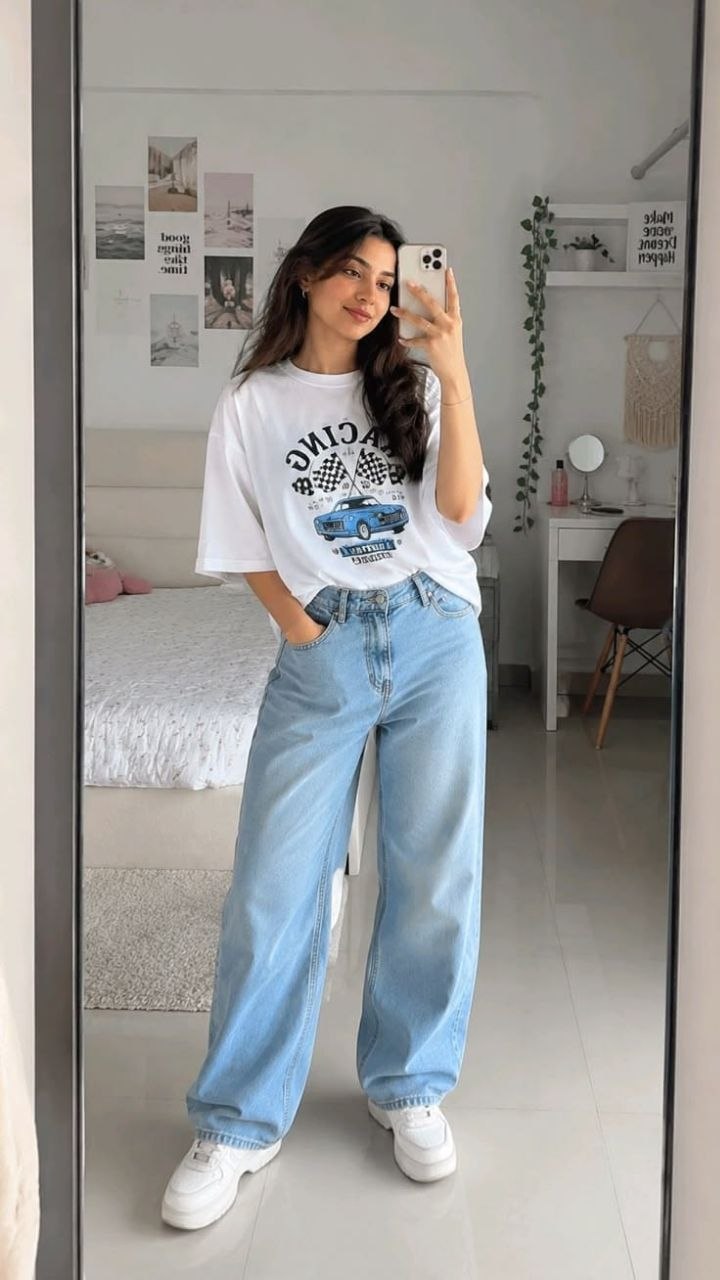
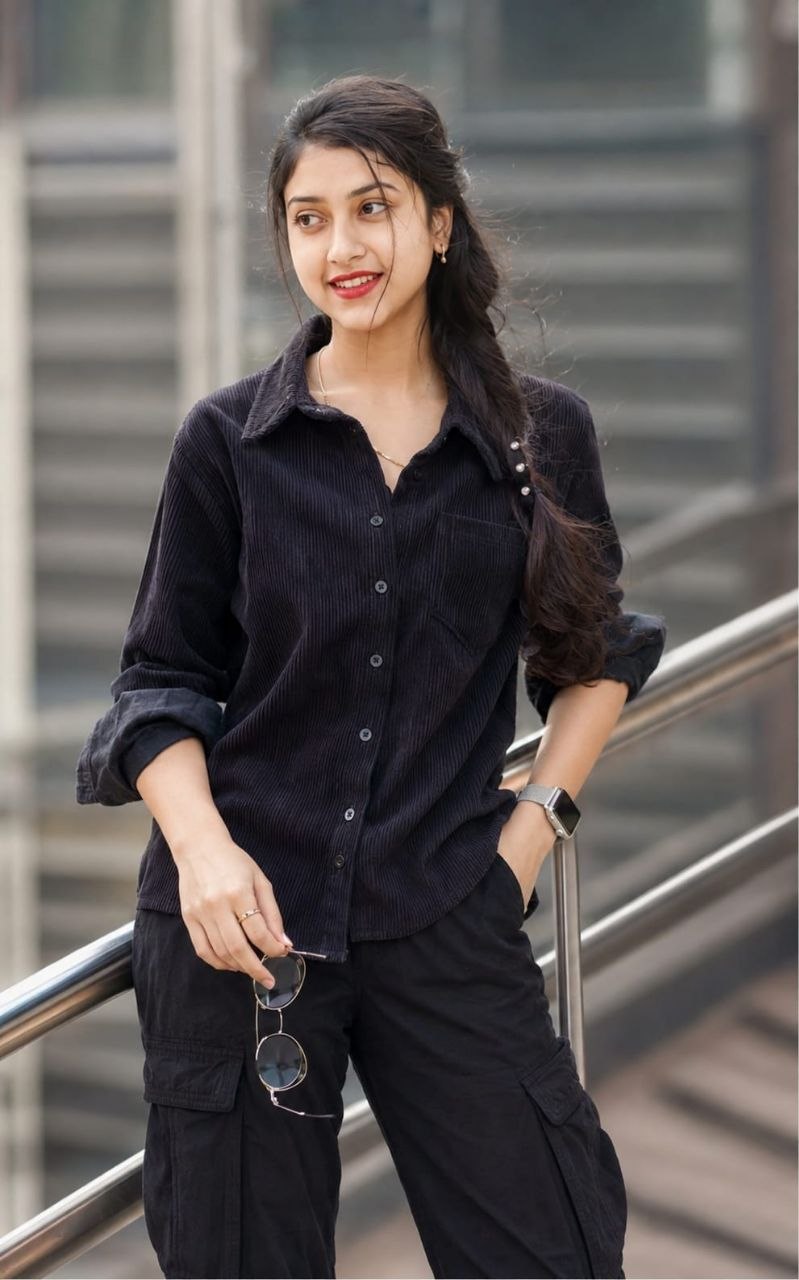
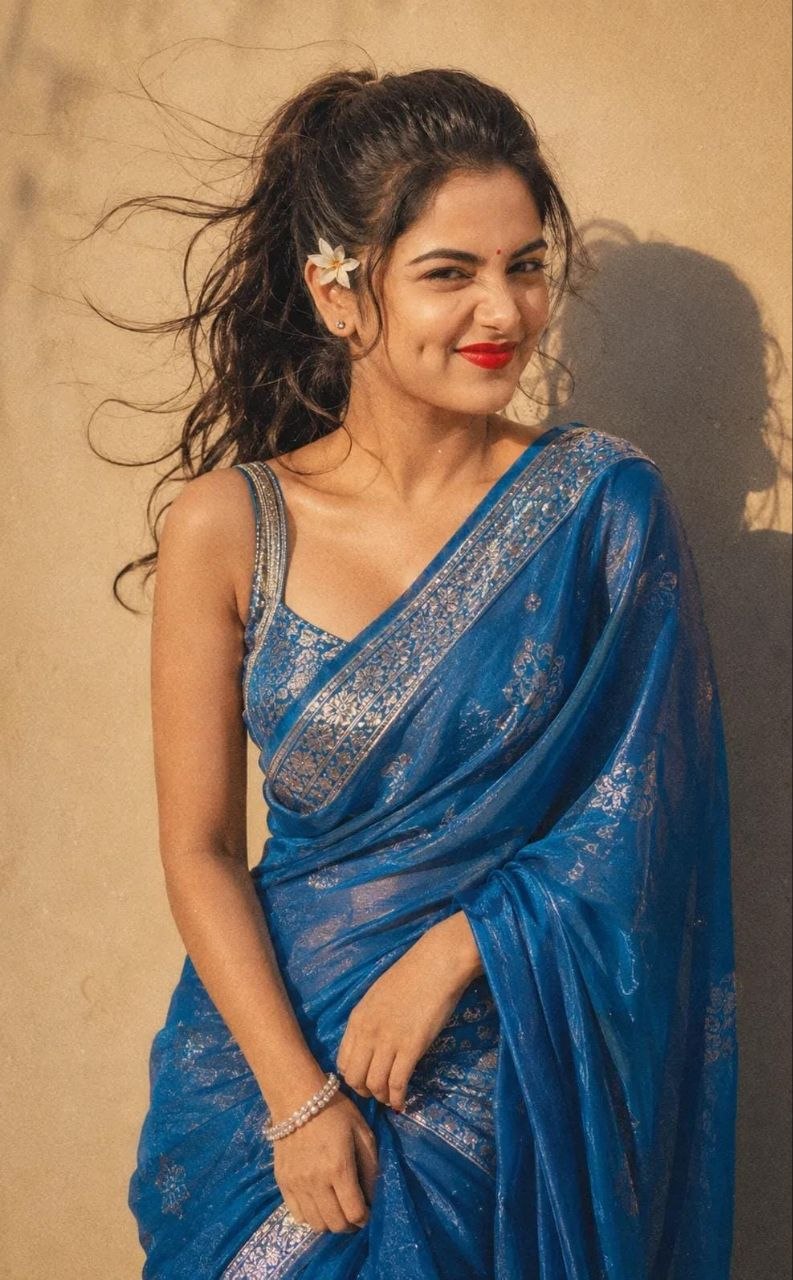

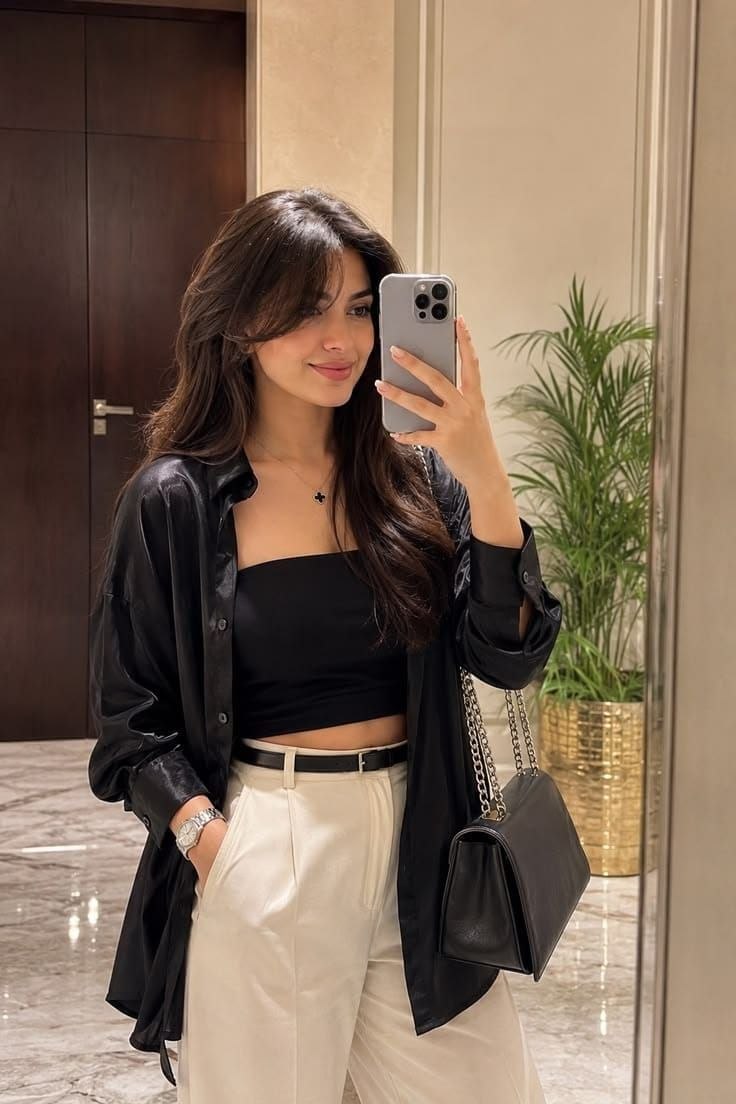
Popular Prompt Tags
Explore the Best AI Image Prompts for Stunning AI-Generated Images
Welcome to 48 Hours Digital, your creative destination for discovering high-quality AI image prompts, creative photography ideas, and ready-to-use prompts for AI image generation. Whether you want to create realistic portraits, cinematic photographs, stylish social media images, or creative digital artwork, finding the right prompt can make a big difference in your results.
Our growing collection of AI image prompts and examples is designed to help beginners, content creators, photographers, and digital artists turn their ideas into detailed visual instructions. Explore different styles, discover creative inspiration, and copy prompts that you can customize for your own projects.
Discover Free AI Image Prompts to Copy and Paste
Looking for AI image prompts copy and paste? Explore our collection of ready-to-use ideas for different subjects, occasions, photography styles, and creative projects. Instead of starting with a blank text box, you can use an existing prompt as inspiration and adjust the details to match your vision.
From high-quality realistic portraits to 3D artwork and cinematic compositions, our AI prompt library helps you explore different creative possibilities. You can copy a prompt, modify its subject, clothing, background, lighting, camera angle, and aspect ratio, and experiment with your preferred AI image generator.
AI Image Prompts for Boys, Girls, Men, Women and Couples
Different photography ideas require different prompt instructions. Explore creative AI image prompts for boys, AI image prompts for girls, men, women, and couples. Whether you are interested in fashion portraits, traditional outfits, romantic couple photography, birthday photoshoots, or stylish profile pictures, a well-written prompt can help describe the visual details you want.
You can also experiment with aesthetic portraits, realistic expressions, natural lighting, professional photography styles, and different backgrounds. Customize each prompt according to your own requirements instead of using the same instructions for every image.
AI Image Prompts for ChatGPT, Gemini and Other AI Tools
AI image generation tools offer different features and respond to instructions in different ways. You can adapt our AI image prompts for ChatGPT, Gemini AI image prompts, and other compatible image-generation platforms.
You can also experiment with prompts for Bing Image Creator, Midjourney, Stable Diffusion, FLUX, and other AI image tools. Some prompts may need small changes depending on the platform, its image-generation capabilities, and the result you want to create.
Realistic AI Image Prompts and Creative Photography Ideas
Creating a realistic-looking AI image starts with describing the subject and scene clearly. Include details such as camera perspective, lighting direction, background, composition, clothing, facial expression, and image style.
Explore high-quality AI image prompts, photorealistic portrait prompts, 3D AI image prompts, black-and-white photography ideas, cinematic scenes, and creative 4K image concepts. These examples can help you develop better instructions for your personal projects, websites, social media posts, and digital designs.
AI Image Prompts for Instagram and Social Media
Need fresh visual ideas for your social media content? Discover AI image prompts for Instagram, Facebook posts, profile pictures, promotional graphics, and creative photography. You can experiment with square, portrait, and landscape compositions depending on the platform and intended use.
Whether you are a YouTuber, Instagram creator, blogger, or designer, AI-generated visuals can help you explore new creative directions. Always review the generated image before publishing and check the relevant platform's content and usage requirements.
How to Write Better AI Image Prompts
A useful AI image prompt should communicate your idea clearly. Start with the main subject, describe the action, add the setting, and then explain the lighting, composition, visual style, and important details.
For example, instead of writing only "a beautiful portrait", describe the subject's pose, outfit, environment, camera angle, background, and lighting. Clear instructions give an AI model more context to work with, although the final result can still vary between different image-generation models.
If you want to improve your prompt-writing skills, read our practical guide to writing effective AI image prompts . You can also learn about creating more photorealistic AI images and understanding negative prompts .
Why Explore 48 Hours Digital?
48 Hours Digital brings together creative AI prompts, practical examples, and useful guides in one place. Our goal is to make AI image prompting easier to understand and more accessible for people who want to experiment with AI-powered creativity.
- Explore a growing library of AI image prompts.
- Find creative prompts for portraits and photography.
- Discover realistic, cinematic, aesthetic, and 3D styles.
- Copy and customize prompts for your creative projects.
- Learn practical AI image prompting techniques.
- Discover new and trending creative prompt ideas.
Frequently Asked Questions About AI Image Prompts
What are AI image prompts?
AI image prompts are written instructions that describe an image you want an artificial intelligence image generator to create. They can include the subject, background, lighting, camera angle, composition, and artistic style.
Where can I find free AI image prompts?
You can explore the free prompt collection on 48 Hours Digital. Browse different categories and discover ready-to-use ideas that you can copy, customize, and experiment with.
Can I copy and paste AI image prompts?
Yes. You can copy a prompt and paste it into a compatible AI image-generation tool. You may need to adjust some instructions depending on the platform and your desired result.
Which AI tools can use these image prompts?
Many prompts can be adapted for tools such as ChatGPT, Gemini, Midjourney, Bing Image Creator, Stable Diffusion, and FLUX. Compatibility and results depend on each tool's supported features.
How can I create more realistic AI images?
Describe natural lighting, camera perspective, realistic materials, facial expressions, composition, and environmental details. Experiment with different instructions and refine the prompt based on the generated result.
Find Your Next Creative AI Image Prompt
Ready to explore new ideas? Browse our latest and trending AI image prompts, discover creative examples, and find inspiration for your next AI-generated image.
Explore Trending Prompts →